We are excited to introduce a new feature in Bear CMS - welcome modal windows. A few months ago, we added the ability to create modal windows. Starting today, you can specify which of them should open automatically. The window opens automatically only once per user session.
Welcome modal windows are useful in various situations, for example:
- When you have a promotion or special offer
- When there are changes to your working hours
- For important announcements or alerts
- When introducing a new service or product
Here are the steps:
1. Create a modal window and add the desired content
2. Go to the "Welcome modal windows" section
3. Add it to the list
To make it easier for you, we have created ready-made combinations of elements that you can place in your modal windows.
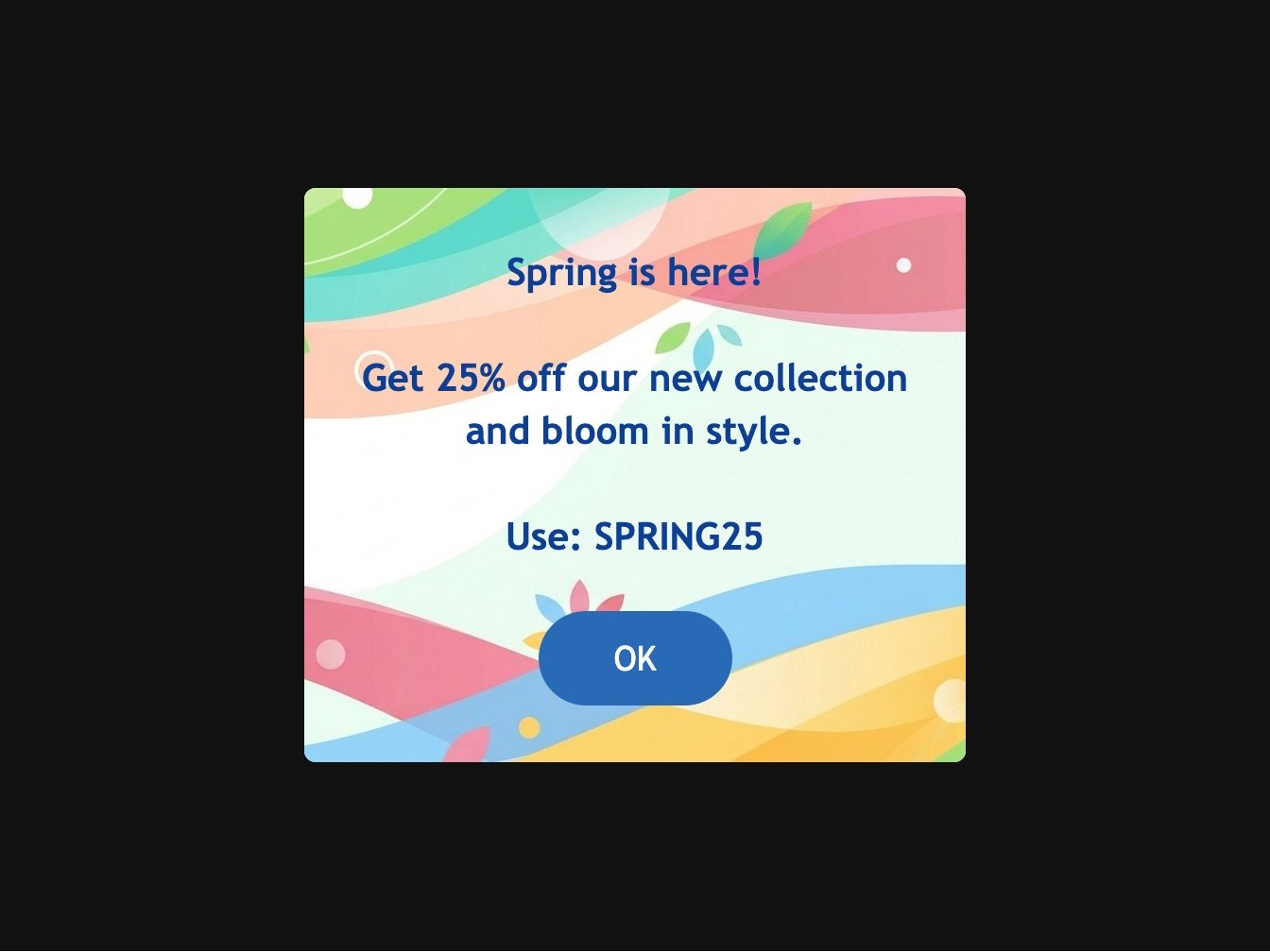
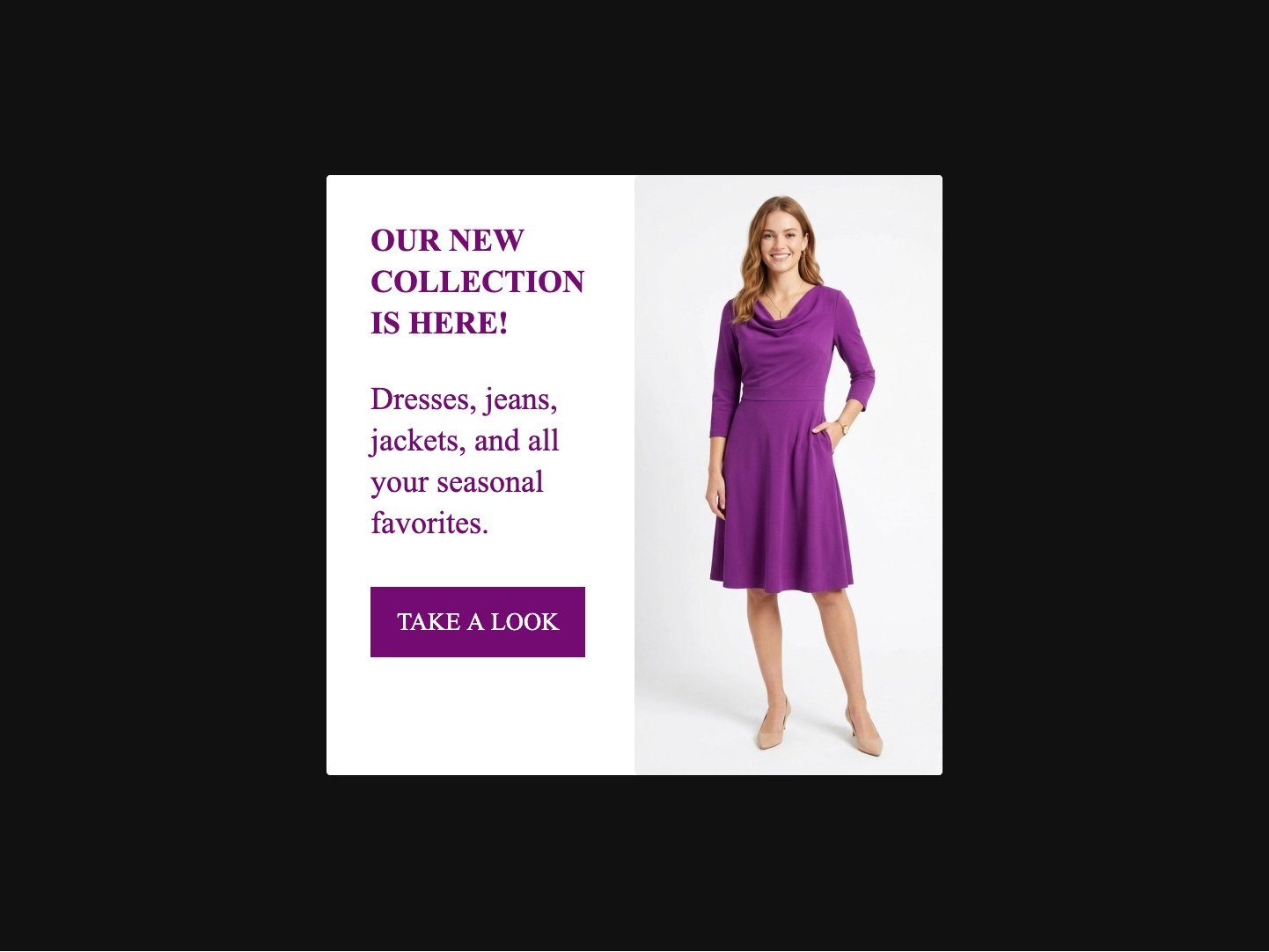
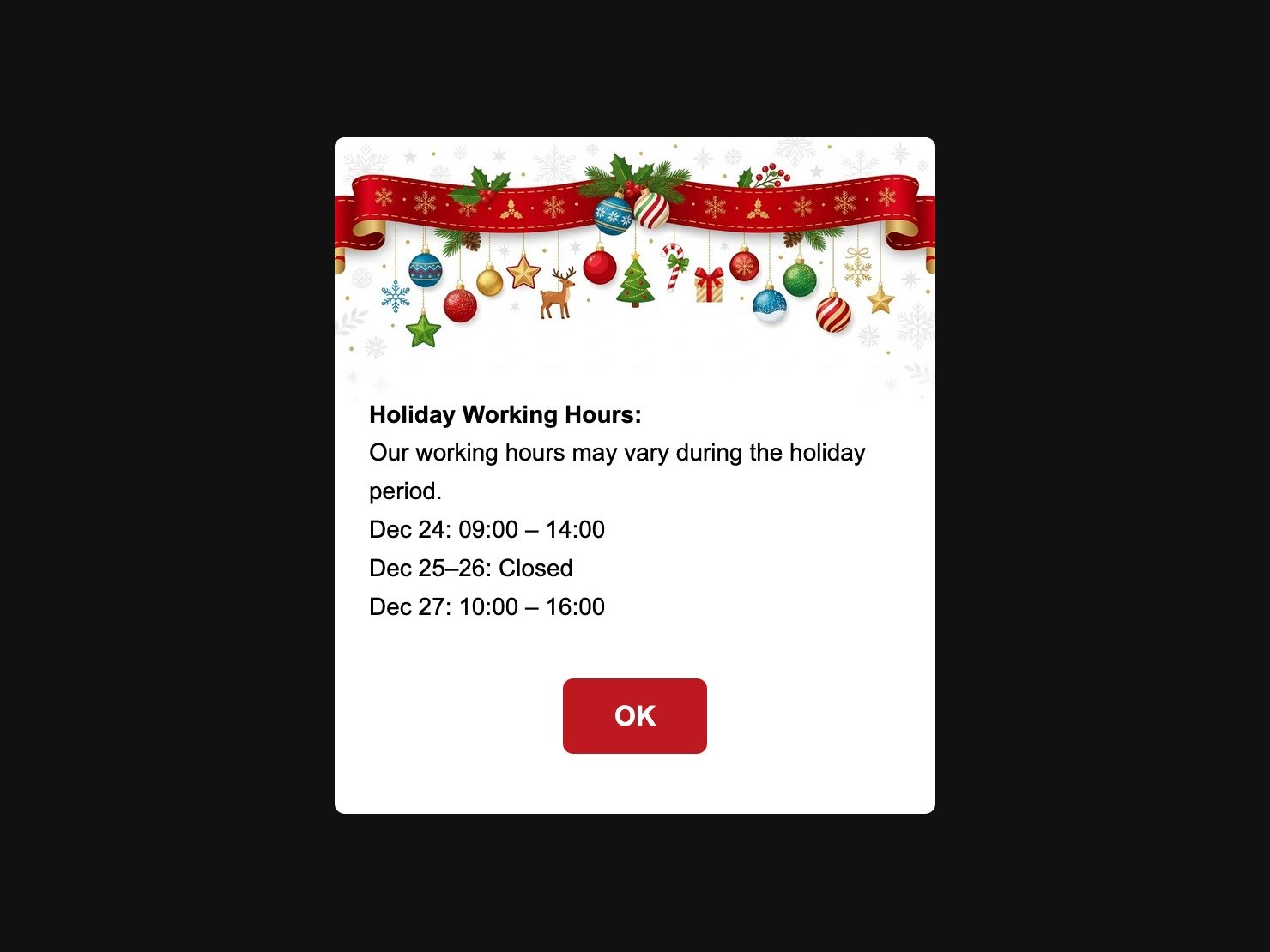
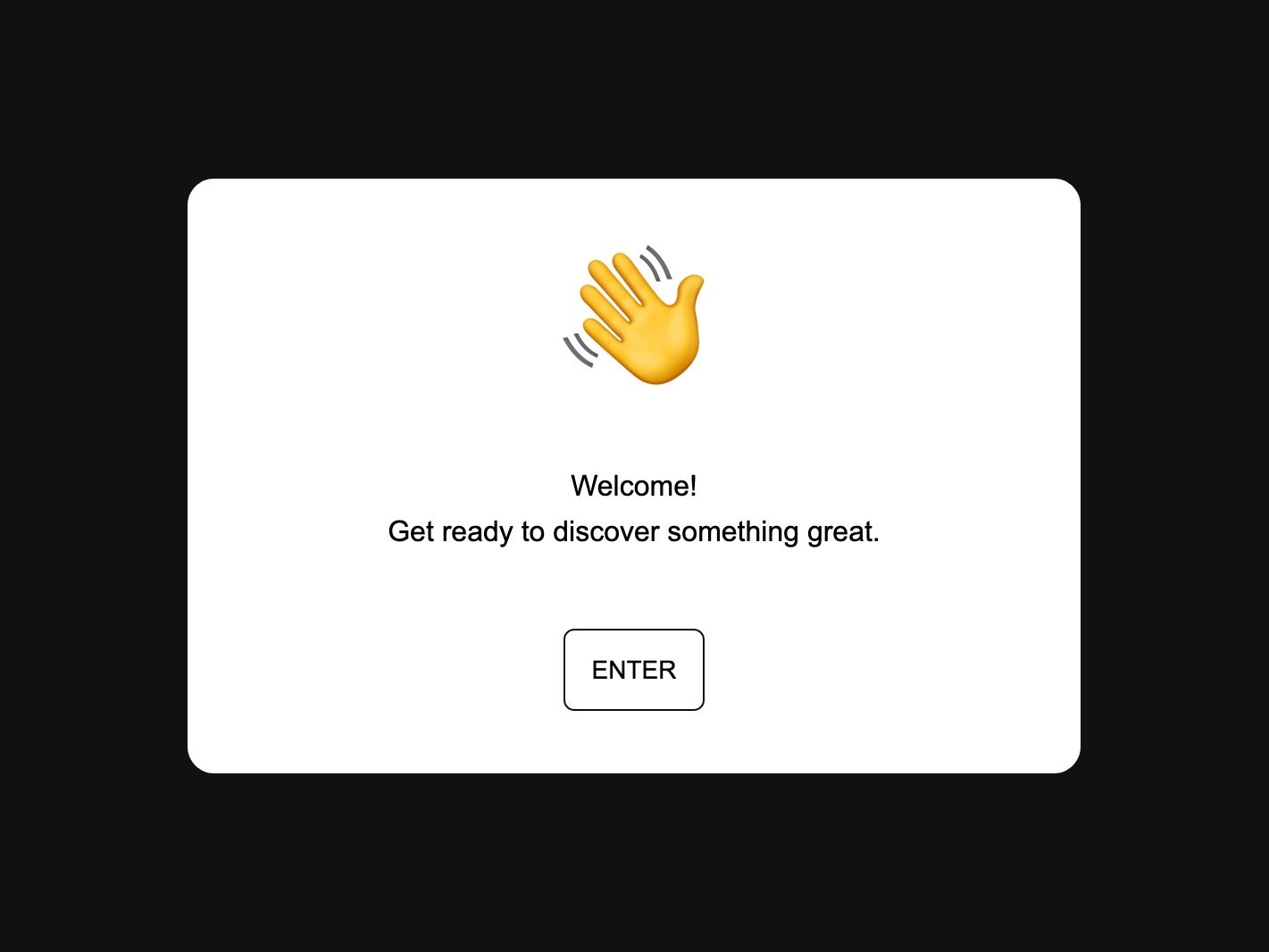
You also have the option to display different welcome modal windows on different pages. This is done using tags. Add a tag in the settings of selected pages, and then specify that the corresponding welcome modal window should only appear if that tag exists on the given page. This way, you can have one window for the homepage and another for your services page.
Welcome modal windows are available for websites on the Plan PRO or Plan MAX. You can find them in your site settings.
Use this feature wisely. You will get the best results when displaying short, clear, and truly important content. Overuse may have the opposite effect.